
How to deactivate my account?
If you decide to deactivate your account, please follow these steps:
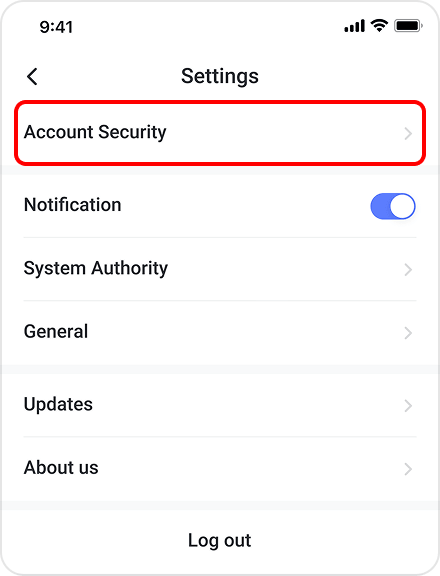
- Go to the "Me" tab, then choose "Settings" > "Account Security".
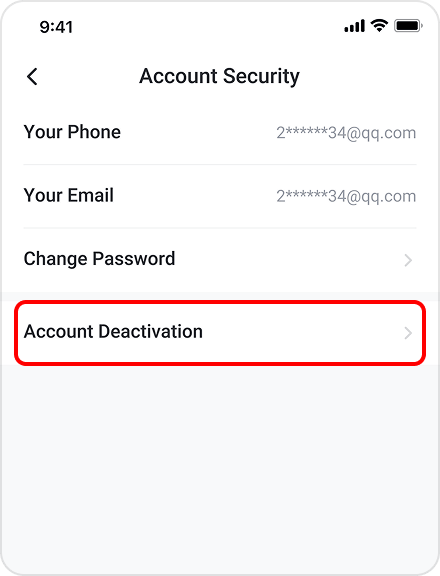
- Tap on the "Account Deactivation" menu option.
- Tap on the "Request for Account Deactivation" button.
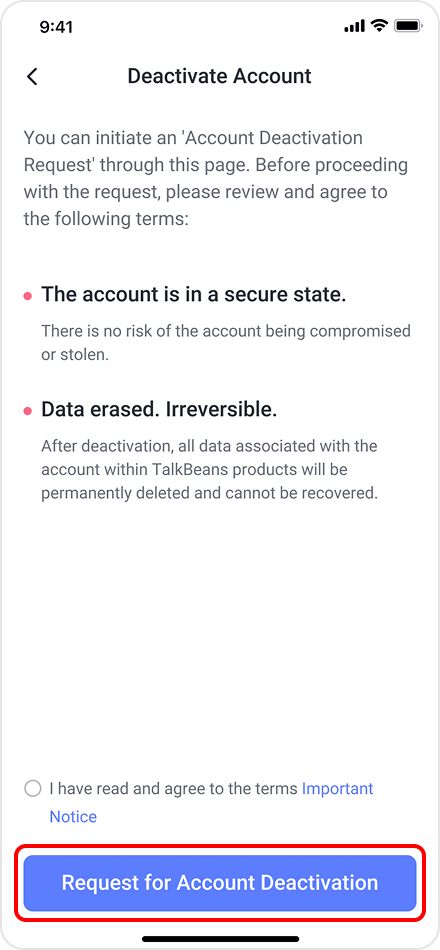
Note: If you delete your account, you will delete all the data, progress, and other personal info. You can delete your account only if you are a registered user. If you just want to log out, choose "Log Out" in Settings.